
Best LinkedIn Automation Tools
Last Updated on February 25, 2026 by chada sravas
If LinkedIn outreach is part of your growth plan, the right LinkedIn automation tools can help you stay consistent without living in your inbox. LinkedIn remains a top B2B channel—industry surveys regularly show it’s widely used for B2B lead generation and delivers measurable results compared with other social platforms. The challenge is doing it safely: LinkedIn’s rules restrict automated access and scraping, so tool choice (and how you use it) matters as much as features.
| Tool | Key strength | Pricing (starting from) | Best for… |
| Snov.io | Multichannel outreach (LinkedIn + email) with dedicated LinkedIn “slots” | $69/mo per LinkedIn slot (add-on) | Teams that want LinkedIn + email in one workflow |
| Dripify | Clean campaign builder + reporting for outbound sequences | $39/mo | Solo reps & small teams starting automation for LinkedIn |
| Skylead | Multichannel automation (LinkedIn + email) in one plan | $100/mo | SDRs who want one place for LinkedIn + email sequences |
| Waalaxy | Accessible entry point + simple sequence UX | €19/user/mo | Beginners who want lightweight LinkedIn automation |
| Dux-Soup | Classic LinkedIn automation with multiple plan levels | $14.99/mo | Budget-conscious users testing basic workflows |
| LeadFuze | Lead sourcing + LinkedIn URL lookups + list automation | $397/mo | High-volume prospect list building (not just messaging) |
| Salesloft | Sales engagement platform for enterprise workflows | Quote-based | Orgs standardizing sequences, governance, and coaching |
What Are LinkedIn Automation Tools?
LinkedIn automation tools are software products that help you run repetitive LinkedIn tasks—like profile visits, connection requests, follow-ups, and message sequences—on a schedule. The best ones add guardrails (limits, timing windows, inbox handling, and analytics) so your outreach stays organized and measurable. Keep in mind that LinkedIn’s User Agreement restricts using software/scripts/robots to scrape or copy data from the service, so “automation” always comes with a compliance and account-risk angle.
What these tools typically automate (and why it matters)
Most LinkedIn tools focus on 3 buckets: (1) prospecting (finding/collecting profiles or importing Sales Navigator lists), (2) outreach (connection + messaging sequences), and (3) workflow (routing replies, tagging leads, syncing to CRM). When done well, this reduces manual busywork and helps you keep response handling human—because automation can start a conversation, but it can’t replace qualification, relevance, and good judgment.
The safety trade-off you can’t ignore
Automation is never “risk-free” on LinkedIn. LinkedIn prohibits using software or scripts (including crawlers and browser add-ons) to scrape or copy services and data. In practice, “safer” setups usually mean conservative daily activity, randomized timing, reply detection/pauses, and avoiding aggressive data extraction. Tools that emphasize controlled limits and transparent workflows tend to be a better fit than anything promising unrealistic volume.
Best LinkedIn Automation Tools in 2025
The “best” LinkedIn automation tool depends on what you’re automating: prospecting, sequencing, multichannel follow-ups, or enterprise sales engagement. In this list, I’m focusing on tools that (a) are widely used for LinkedIn outreach or adjacent workflows, (b) have publicly verifiable pricing or plan structure, and (c) have enough third-party review volume to sanity-check real-world usability. Since LinkedIn restricts automated access and scraping, “best” also includes how well a tool supports safer usage patterns (limits, pacing, reply detection, and workflow controls).
Practical application idea: if you’re choosing between tools, run a 7-day pilot with one LinkedIn account and a small lead list (50–150 profiles). Measure: connection acceptance rate, reply rate, and how often the tool forces manual intervention (checkpoints, inbox handling). Tools that look similar on feature pages tend to differ a lot in day-to-day reliability.
Snov.io
Snov.io combines lead workflows with outreach automation and a dedicated LinkedIn Automation add-on. As a Snov.io LinkedIn outreach tool, it lets you mix LinkedIn actions (connect requests, messages, profile views) with email steps in the same sequence, so you can run cadences like “if there’s no reply on LinkedIn → follow up by email” without relying on multiple separate platforms.
Features
- LinkedIn actions inside sequences (connection requests, messages, profile views)
- Proxy/location options for more consistent account access (plus ability to use your own proxy)
- Multichannel sequencing (LinkedIn + email) from one campaign flow
LinkedIn Automation is typically sold as an add-on priced per LinkedIn slot/month (commonly listed starting around $69 per slot/month, depending on plan setup). Snov.io has substantial third-party review coverage across major SaaS review platforms. Users often highlight the “all-in-one” workflow value (especially when combining LinkedIn touches with email follow-ups).
Pros & cons
- Pros: Strong for teams that want LinkedIn + email together; scalable via slots
- Cons: Add-on slot model can feel less straightforward than “one flat price” tools
LeadFuze
LeadFuze is primarily a lead sourcing platform. It helps you assemble lists based on filters and export or sync that data into your outreach stack. It’s useful when your bottleneck is “finding enough qualified people” rather than “running LinkedIn sequences faster.”
Features
- Prospect list building using ICP-style filters
- Automated list generation workflows (set-and-refresh style prospecting)
- Data enrichment-style outputs for outbound workflows
Often positioned as a premium option for high-volume list building; entry pricing is typically higher than LinkedIn-only automation tools. LeadFuze has third-party reviews that frequently discuss list building efficiency and the time saved versus manual prospecting.
Pros & cons
- Pros: Strong when you need steady list creation; pairs well with outreach tools
- Cons: Not a LinkedIn messaging automation-first product; you’ll still need a sequencer
Dripify
Dripify is built around campaign automation on LinkedIn—connection requests, follow-ups, and analytics—without trying to be a full lead database. It’s a fit when you already know who you want to target (for example, from Sales Navigator lists) and want repeatable outbound execution.
Features
- LinkedIn drip campaigns (sequence builder)
- Analytics/reporting and team features by tier
- Templates and workflow controls for follow-ups
Commonly listed starting around $39/month, with higher tiers for teams and advanced features. Third-party reviews typically highlight ease of use and reporting as strengths for small teams running structured outreach.
Pros & cons
- Pros: Clear sequence-first workflow; easy to start small
- Cons: If you need built-in email steps, you may still pair it with an email platform
Skylead
Skylead positions itself as an all-in-one LinkedIn automation plus cold email platform. The differentiator is multichannel sequencing logic so reps can run a single outreach “play” instead of managing separate LinkedIn and email tools.
Features
- LinkedIn + email sequences in one flow
- Inbox-style workflow for managing replies
- Personalization options and reporting for outreach performance
Commonly listed around $100/month per account (often presented as a single-plan model). Review feedback often focuses on multichannel convenience and whether the platform reduces context switching between LinkedIn and email.
Pros & cons
- Pros: Good fit if you want LinkedIn + email in one cadence engine
- Cons: Can be overkill if you only need basic LinkedIn sequencing
Waalaxy
Waalaxy is often chosen by beginners because the workflow feels guided: import prospects, pick a sequence, and run it with built-in guardrails. It’s a practical option for lightweight outreach when you want to move fast and keep the learning curve low.
Features
- Simple sequence templates for connection + follow-ups
- Reply detection features (varies by plan)
- Import and duplicate prevention options
Entry pricing is typically positioned as affordable per user/month, with higher tiers for more advanced features. Waalaxy tends to have a high volume of reviews, which helps you validate day-to-day usability and support responsiveness.
Pros & cons
- Pros: Beginner-friendly; strong for quick outbound experiments
- Cons: Advanced orchestration and reporting may be limited for complex teams
SalesLoft
SalesLoft is a sales engagement platform rather than a LinkedIn automation specialist. It’s most relevant when your “automation” goal is consistent outbound execution across a team—cadences, templates, coaching, analytics, and governance—often alongside CRM-driven processes.
Features
- Cadence-based engagement workflows
- Analytics and coaching tooling for teams
- Enterprise-grade administration and reporting patterns
Typically quote-based for organizations, with packaging depending on team size and requirements. SalesLoft has extensive review coverage and is widely discussed in the context of scalable outbound operations.
Pros & cons
- Pros: Strong for team standardization and reporting; fits RevOps processes
- Cons: Too heavy (and often too costly) if you only want lightweight LinkedIn outreach
Dux-Soup
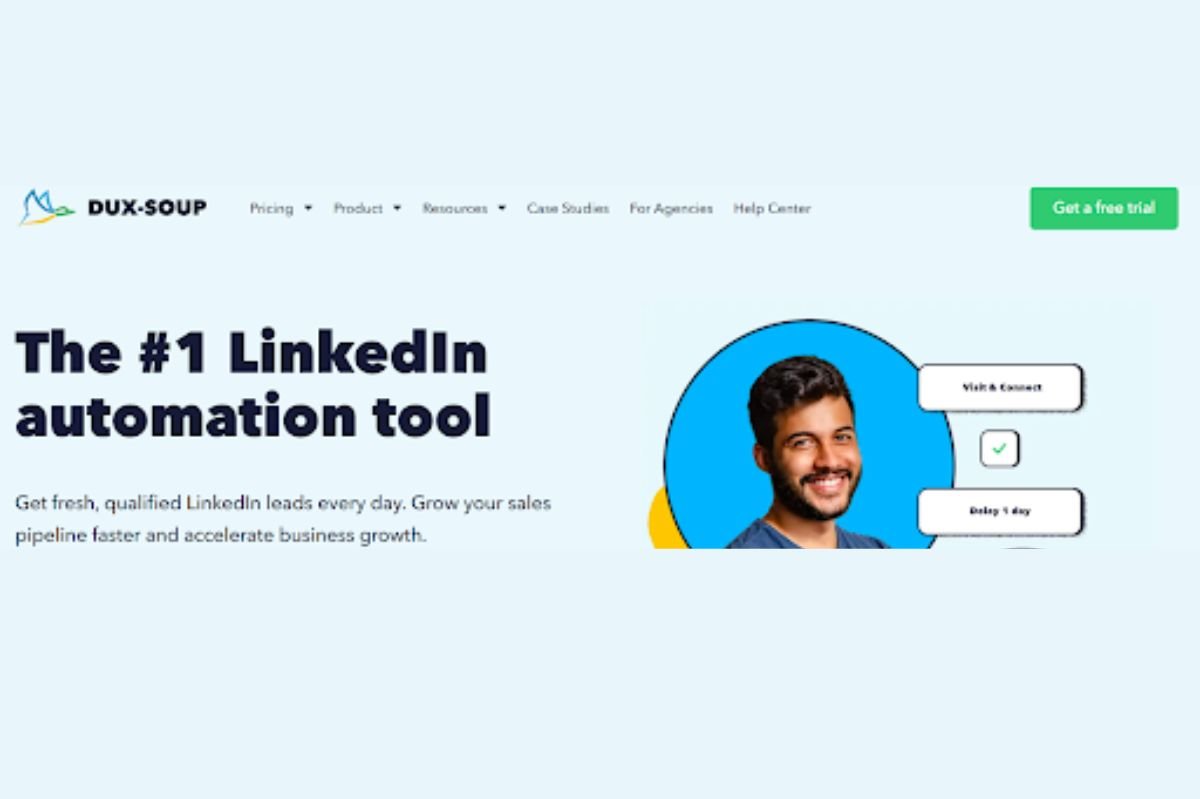
Dux-Soup is a long-running LinkedIn automation option that focuses on core tasks like visiting profiles and sending connection requests/messages. It’s often selected when the priority is “get the basics running” without committing to a broader engagement platform.
Features
- Core LinkedIn automation actions (varies by plan)
- Plan tiers that expand automation depth and always-on options
- Campaign-style workflow controls
Commonly listed starting around $14.99/month, with higher tiers for more advanced capabilities. Reviews often emphasize value-for-money, while also noting that results depend heavily on careful setup and conservative limits.
Pros & cons
- Pros: Low entry price; good for basic outreach experiments
- Cons: Setup sensitivity—misconfigured activity can lead to poor outcomes or account friction
Key Factors to Consider Before Choosing a LinkedIn Automation Tool
Start with safety, because every other feature is pointless if your account gets restricted. Look for LinkedIn automation tools that let you cap daily actions (profile visits, invites, messages), randomize timing, pause sequences when someone replies, and avoid “burst” behavior that looks unnatural. Also consider how the tool operates (cloud vs. browser-based) and whether it encourages or enables scraping. The best LinkedIn automation tools make it easy to stay conservative by default, and they don’t pressure you into unrealistic volume.
Workflow fit, features, and total cost
Next, map the tool to your workflow: do you need simple LinkedIn sequences, or true multichannel follow-ups (LinkedIn + email)? Prioritize features that reduce manual work without reducing relevance—template personalization, list import options, inbox or reply management, tagging, and reporting that shows acceptance and reply rates. Then confirm integrations (CRM, email tools), collaboration controls (roles, shared templates), and pricing mechanics (per seat, per account, per “slot”). The right LinkedIn tools feel like an extension of your process, not a new process.
Best Practices for Safe and Effective Automation
The safest approach to LinkedIn automation is to treat it as consistency support—not a volume hack. Set strict daily caps for invites and messages, spread actions across the day, and avoid sending large batches in short windows. Build in natural pauses (weekends, holidays, time zones) and use auto-stop rules when someone replies so you don’t keep messaging a live conversation. If your tool offers warm-up-style ramping (gradually increasing activity), use it. Conservative settings won’t feel exciting, but they’re often what keeps campaigns running without account friction.
Make relevance the core of the sequence
Even the best LinkedIn automation tools can’t save a weak message. Start with tight targeting (role, industry, geography, tech stack, trigger events) and write messaging that sounds like a person—not a template. Use personalization fields only when you can verify the data is accurate; bad personalization is worse than none. Keep early messages short, value-focused, and easy to respond to (one clear question or offer). Most importantly: monitor replies daily and switch to manual handling fast. Automation should open doors, but your human follow-up is what converts.
Conclusion
If your goal is more consistent outbound without sacrificing quality, LinkedIn automation tools can be a practical advantage — especially when they help you manage pacing, sequences, and follow-ups across multiple touchpoints. The key is choosing a tool that fits your workflow and using it with conservative limits, thoughtful targeting, and real personalization. Done well, automation for LinkedIn supports relationship-building at scale. Done poorly, it creates noise, risks account restrictions, and can damage trust. Pick one tool, pilot it with a small segment, and optimize based on acceptance and reply rates before you scale.
