
Why Is My iPhone Getting Hot?
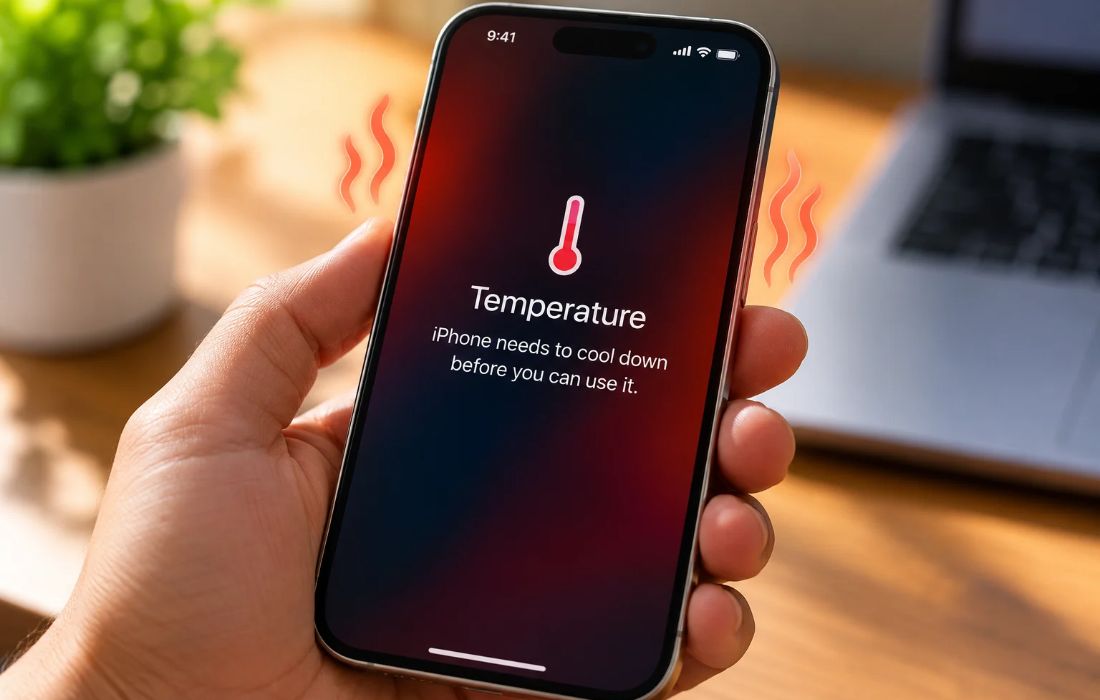
An iPhone can get warm during normal use, but if it becomes unusually hot while performing simple tasks or sitting idle, something may be causing it to work harder than expected.
Common Reasons Your iPhone Gets Hot
Heavy Apps and Background Processes
The use of gaming, capturing videos through recording, video calls, and video editing increases CPU consumption and produces heat. Some programs operate even when not in use.
If your iPhone gets hot when you only use it for browsing the web or sending texts, check whether any application is drawing abnormal power.
Software Updates
The temperature of the iPhone might rise following an iOS upgrade since the device has to perform a few background activities like sorting photos, indexing documents, or refreshing apps.
Typically, the problem resolves itself once all the processes in the background are done. If the device remains too hot for more than one or two days, check for other system upgrades and look at the battery usage to detect anomalies.
Hot Weather and Direct Sunlight
Hot surroundings impair the ability of an iPhone to dissipate heat. Keeping it outside, inside a parked car, or in a hot place will raise its temperature.
When the device gets overheated, it displays a dim display, slow performance, stops charging, and shows a temperature warning.
Weak Cellular Signal and 5G Usage
When there is a low signal strength, your phone may be forced to use greater energy to establish and maintain any wireless connection. More time spent on mobile data, especially in weak reception areas, could contribute to an increase in the heating and battery drain of the phone.
If there is a significant difference in temperature between Wi-Fi use and mobile data use, perform a test to determine how the different settings work under the same set of conditions.
Phone Case and Heat Dissipation
Some thick or poorly ventilated cases can make heat dissipation less effective. If your iPhone becomes unusually warm, remove the case temporarily and see whether its temperature improves.
Avoid placing the device on soft surfaces that trap heat, especially while charging.
Battery Condition
Over time, an iPhone battery loses its charging ability. A battery that has become degraded or faulty might cause the device to overheat during charging.
Check Settings → Battery → Battery Health or Battery Health & Charging, depending on your iPhone model and iOS version. If the device heats up during light use and battery life has also declined significantly, consider having the battery and device checked by a qualified technician.
How to Identify What’s Causing the Heat
Open Settings → Battery and review battery usage by app. Look for apps consuming unusually high power, including background activity.
Then consider when the heating occurs:
While gaming or recording video: The device may be under heavy processing load.
After an iOS update: Temporary background processing may be responsible.
While idle: Investigate background activity, software problems, or possible hardware issues.
During charging: Check the charging setup and battery condition.
Only on mobile data: Weak signal or network activity may be contributing.
If you feel that your iPhone gets too warm while using it in a standard way, overheats too often even when it is not in use, or you get a temperature warning on it, discontinue the use of the device and leave it in a cool and ventilated area. Do not leave the device inside a fridge or a freezer. If the problem remains, please get in touch with Apple customer service or an authorized service center.
Also Read : Best Offline iPhone Games to Enjoy Anytime
