
How to Send WhatsApp Broadcast Without Saving Number?
Last Updated on September 30, 2026 by chada sravas
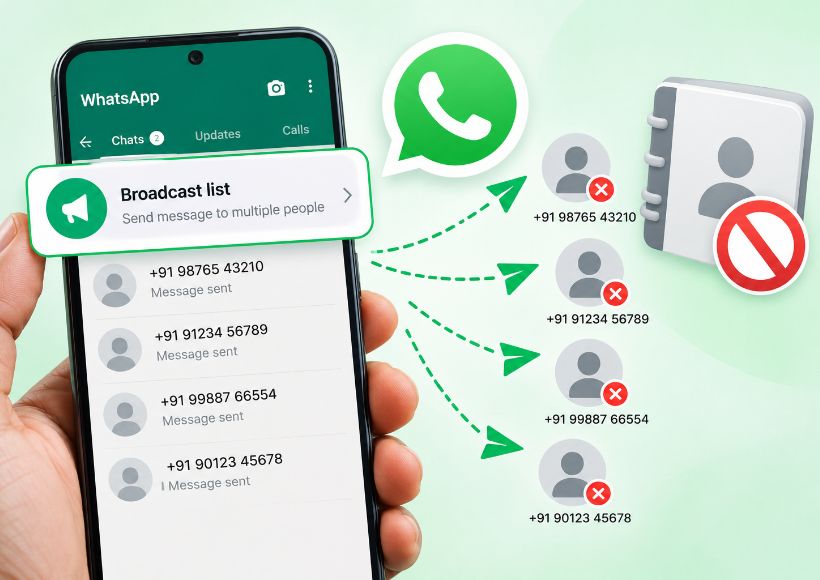
In the case of a usual WhatsApp broadcast list, you will not be able to send messages to people who have not saved your number; the WhatsApp Help Center suggests that the recipient will need to have the sender’s number in their phonebook to receive the broadcast.
This requirement applies to the standard Broadcast List. There is no setting inside WhatsApp that allows you to turn off the saved-number requirement.
If the recipient has not saved your number
You have the option to keep the numbers on your phone, but that’s not enough to make the customers eligible to receive updates from you. WhatsApp verifies whether the contact has saved your number.
Let us say you acquired 500 customer numbers from clients, but only 200 of them have your business number saved.
You have the option to keep the numbers on your phone, but that’s not enough to make the customers eligible to receive updates from you. WhatsApp verifies whether the contact has saved your number.
In case a customer is not able to receive your broadcast, WhatsApp recommends that they add your number to their contacts list.
For this reason, even after having a big pool of clients, a business may only see certain members of the audience receiving a regular broadcast.
This is one of the main limitations of the standard Broadcast feature. You can see the other WhatsApp Broadcast limits and how the feature works before deciding whether a normal broadcast is suitable for your audience.
Messaging an unsaved number is different from broadcasting to unsaved numbers.
Sending a message to a single unsaved contact and sending a WhatsApp Broadcast to several unsaved contacts is a significant distinction.
It is possible to open an individual chat on WhatsApp with someone whose phone number has not been saved beforehand. WhatsApp Business has the option of using a short link to open a conversation quickly when a customer clicks the link.
If you have a specific person you would like to communicate with, this is an essential tool.
While it has removed the requirement of saved contacts for Broadcast Lists, it does not mean that Broadcast Lists can be made out of unsaved contacts. A Click to Chat link should be viewed as a means to one-on-one conversations, not as a way of broadcasting messages to a number of unsaved contacts.
What if you have hundreds or thousands of customers?
At this point, the conventional Broadcast List may not be suitable for reaching your entire customer base.
For instance, suppose a company has 2,000 previous clients and wants to update them about products on a weekly basis. If the clients did not save the company’s number, a simple Broadcast List will not reach all the clients.
WhatsApp cautions companies to avoid excessive use of broadcast lists. According to WhatsApp, broadcast messages will only reach users who have saved the sender’s number, and using broadcasts frequently can cause users to report the messages; several reports against an account may lead to a ban.
So simply looking for a third-party tool that bypasses the saved-number requirement is not the same as having an official solution.
WhatsApp Business has another option for business messages.
WhatsApp has also begun the rollout of marketing messages/business broadcasts in certain regions. These messages are different from the standard Business Broadcast messages offered.
According to WhatsApp, marketing messages are meant for businesses to share offers, deals, promotions, new products, requests for feedback, and other communications with customers. It is also possible for Meta to monitor these messages before the business can send them. Note that this feature may not be available in all regions.
WhatsApp’s current documentation also shows that some businesses have access to additional Business Broadcasts with performance insights such as deliveries, reads, and replies. Availability is currently limited and may depend on the account and country.
This is significant as it means that “WhatsApp Broadcast” is no longer limited to just the usual Broadcast List of a maximum of 256 contacts. Companies may come across various broadcast services, depending on the kind of account used and geographical location.
WhatsApp Channels are another option for one-way updates.
If the goal is to share updates with followers instead of sending a personal message to each client’s chat, a WhatsApp Channel is a different option.
According to WhatsApp, Business Channels can broadcast updates to an audience of any size. Followers receive the updates in the Updates tab, but they cannot reply directly to the updates or send messages to Channel admins. They can react to updates with emojis or participate in polls. Followers also won’t see the business’s WhatsApp phone number from the Channel.
A Channel can be used for things such as:
- New product announcements
- Offers and updates
- Business news
- Regular one-way information
But a Channel is not a replacement for a private customer conversation.
Businesses that need automation, campaign management, and larger-scale messaging may instead look at WhatsApp’s business messaging products and providers such as Interakt. This is also one reason some businesses move beyond the standard Broadcast feature; see why businesses use Interakt when WhatsApp Broadcast is free for that comparison.
If customers haven’t saved your number
The available paths for a business will differ based on its objectives.
If you choose to utilize the conventional WhatsApp Broadcast List, instruct your customers to save your business number first. WhatsApp recommends this method when the receivers do not receive the broadcasts.
In case you’re willing to get conversations started with your customers, think of creating a WhatsApp Business short link or a QR code that will direct them to a chat instantly. The service lets businesses set up a default message the clientele can send when starting a chat.
If you want one-way public-style updates, a WhatsApp Channel may be more appropriate.
If you need to run business communications at scale, look into WhatsApp’s business communication options instead of using bulk messaging programs that are unofficial. WhatsApp also emphasizes that companies must seek approval before sending ads or updates, and the company implements solutions that reduce undesired commercial messages.
It is worth mentioning that there is no proper setting that transforms a regular Broadcast List into a system of broadcasting for unsaved contacts. If some offer a third-party tool as a way to work around this limitation, the solution they provide is different from the one offered by WhatsApp, and it should not be called an official WhatsApp feature.
