
Why Is My iPhone Battery Draining So Fast?
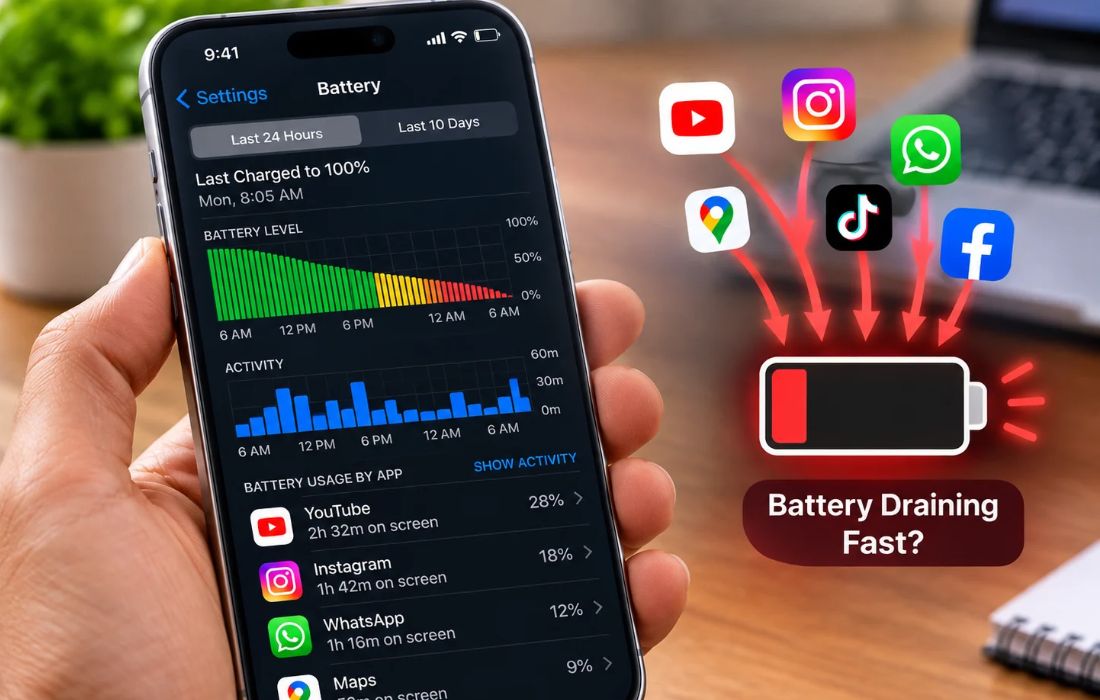
An iPhone battery can lose charge faster than expected even when your usage has not changed much. The most useful way to identify the cause is to compare battery consumption, screen activity, and system activity rather than turning off every feature.
Understand Your iPhone Battery Usage.
To check the Daily Usage chart and learn which apps or system operations use the maximum amount of battery, go to Settings → Battery. If you are using a compatible version of iOS, you can compare the data for today with the previous days.
Pay attention to these patterns:
High screen activity: An app may be consuming more power because you spend a long time using it.
High background activity: An app may be playing audio, tracking location, syncing photos, or fetching data while not visible on screen.
Higher usage than usual: Compare your activity with previous days to see whether your habits or a particular app changed.
Low cellular signal: Your iPhone may consume more power searching for or maintaining a weak network connection.
Why Does My iPhone Battery Drain Overnight?
If your iPhone loses a significant amount of charge during the night, you should check what has been using its battery during your phone’s idle time.
Notifications can cause the phone to wake up, but background processes such as photo syncing, location tracking, and mail fetching may still consume battery power. Go into the Battery section to find out whether this correlates with the loss of battery.
To pinpoint the root cause, one should look at the battery levels before going to sleep and after waking up for a couple of nights. Do ensure that the phone is not downloading any updates or syncing a huge photo library.
Why Does My iPhone Battery Drain After an iOS Update?
After an iOS update, your iPhone might proceed to finish its setup and other background processes. These are known to affect battery consumption temporarily.
If “Ongoing iOS Update” shows, check Settings→Battery. Apple also recommends giving battery performance a few days after an update before evaluating it again. If the drain continues, review the app activity and consider updates.
Does Battery Health Affect How Long Your iPhone Lasts?
Yes. Battery health and daily battery usage are different measurements.
Battery health indicates how much capacity the battery retains compared with when it was new.
Daily battery usage indicates how much charge your activities consume.
For example, an older battery with reduced capacity may run out sooner than a newer battery under similar usage. If your iPhone shows a service recommendation, consider having the battery inspected.
On iPhone 15 and later, open Settings → Battery → Battery Health. On iPhone 14 and earlier, open Settings → Battery → Battery Health & Charging.
Which iPhone Settings Actually Help Save Battery?
Low Power Mode: Reduces power consumption by limiting certain background activities and features. On newer iOS versions, find it under Settings → Battery → Power Mode.
Auto-Brightness and Auto-Lock: A display that stays bright or remains on while idle uses unnecessary power. Enable Auto-Brightness and set a suitable Auto-Lock duration.
Wi-Fi and cellular reception: When possible, use a reliable Wi-Fi connection. If you regularly use your iPhone in an area without cellular coverage, Airplane Mode can help when you do not need a network connection.
Background App Refresh: Disable it for apps that do not need to refresh content in the background. You do not need to turn it off for every app; focus on those that provide little value from background updates.
When Should You Investigate Further?
Once you have checked your iPhone’s usage but it still runs out of battery too fast, consider comparing its battery life from day to day and checking Battery Health. If you notice a substantial and unusual change, that is, if the phone goes off at an inopportune moment or the service suggests you take it to a technician, you may really need to go for diagnostics.
The important thing is to discover what is responsible for the excessive battery drain.
